Quickstart
Up and Running in 60 Seconds
For a School
Your Roster, Off Paper
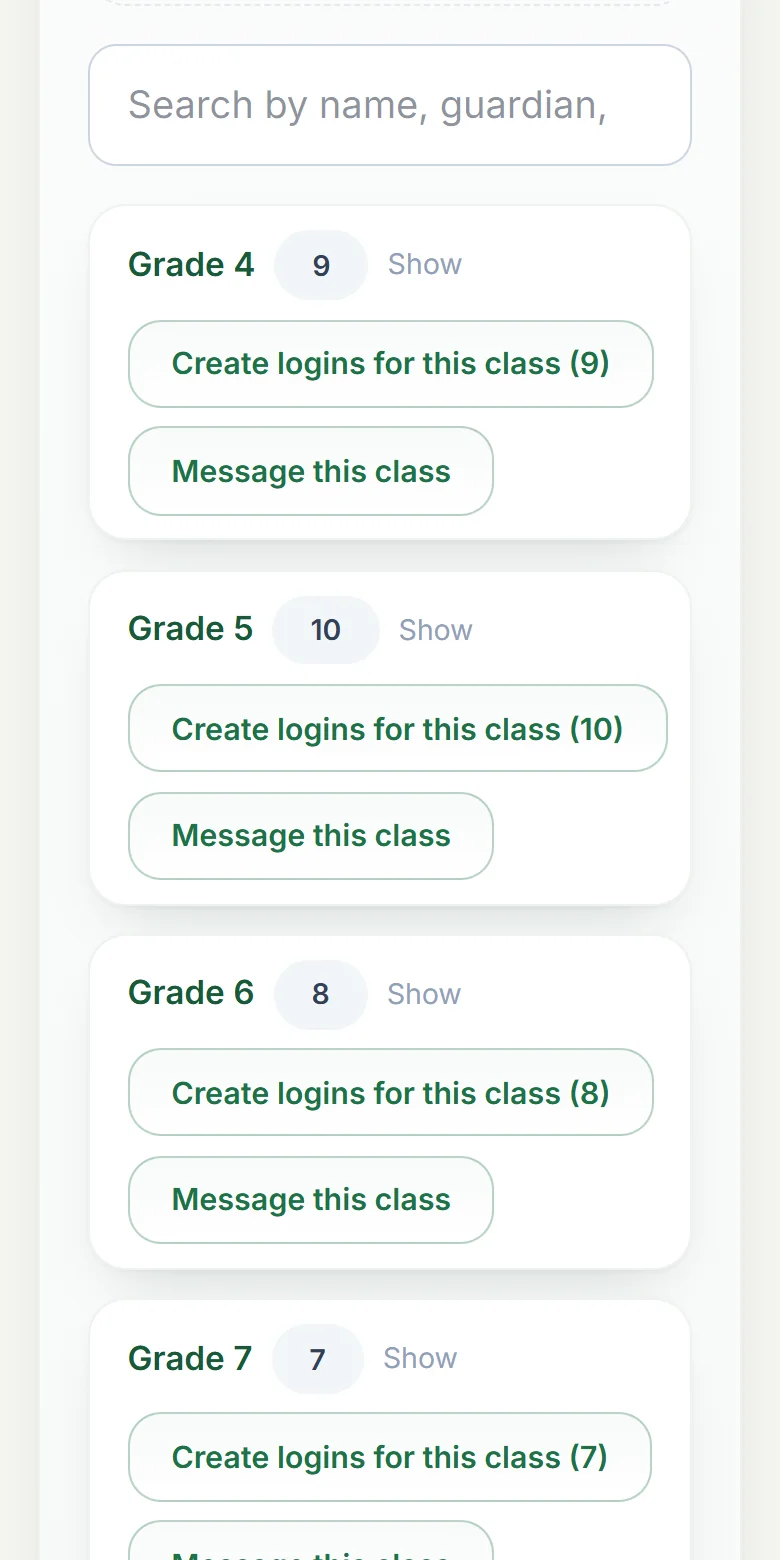
- 1Create the school accountOn the Partnerships page. Two minutes, and you are signed straight in.
- 2Import your class listsSchool Roster, then Import from CSV, Excel or Word. Name, age and class are read; check them, then Confirm and import.
- 3Mark attendanceOn a phone at the session: present, absent, late or excused, one tap each.
- 4Give families their loginsCreate logins for this class: a login for each player and parent, with an emailed invitation where you have their address.
For a Coach
Your Players, Linked by Code
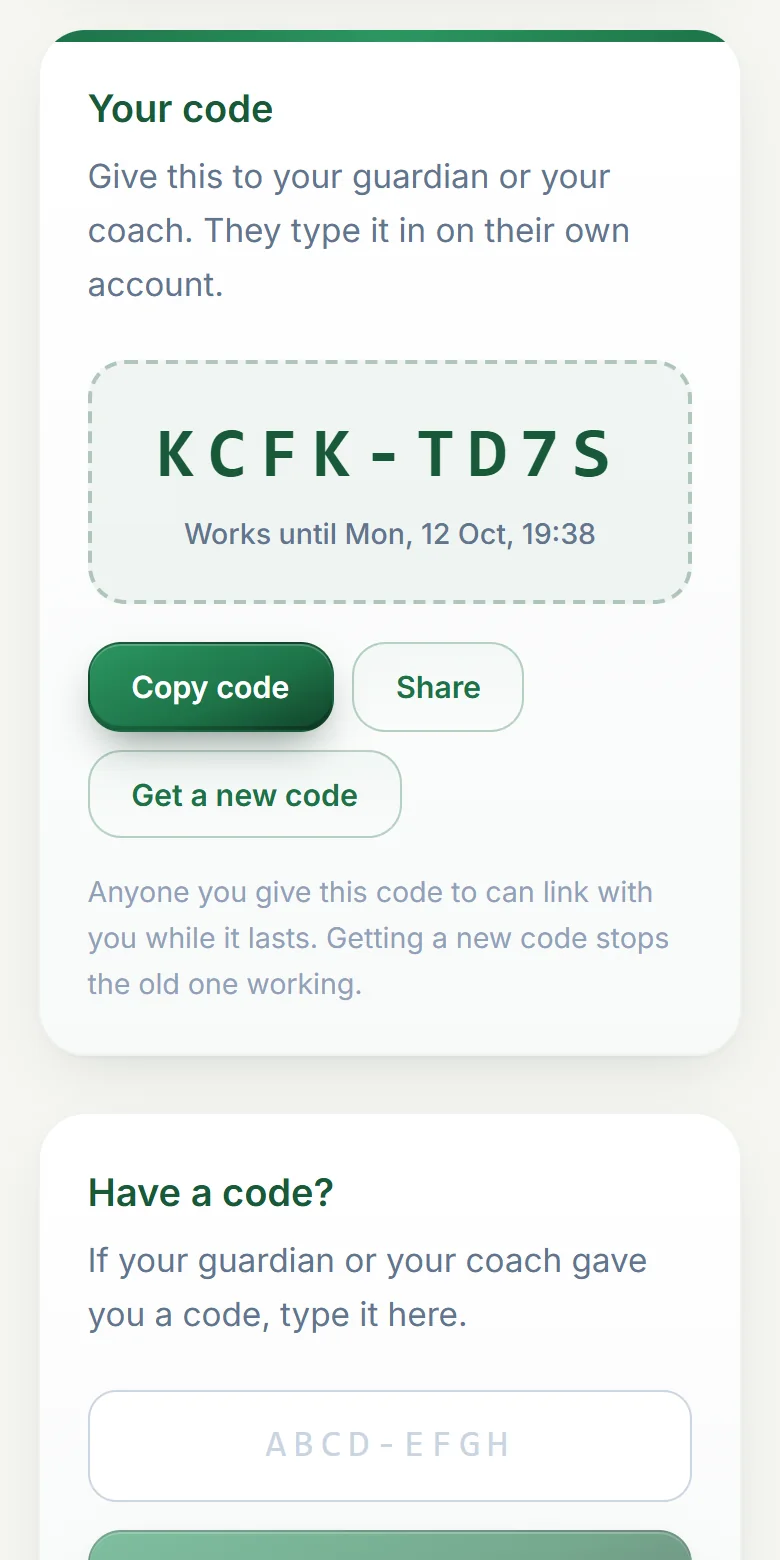
- 1Sign up free as a coachAbout a minute. Nothing to pay, nobody to wait for.
- 2Get your codeConnect, then Get my code: eight characters, good for 24 hours, for as many players as you give it to.
- 3Players type it inAn adult player is linked at once. For a player under 18, their parent agrees first and chooses what you see.
- 4CoachRead journals, enter scores, write notes, plan the training calendar and message, all on the player's record.
For a Parent
Every Session, in View
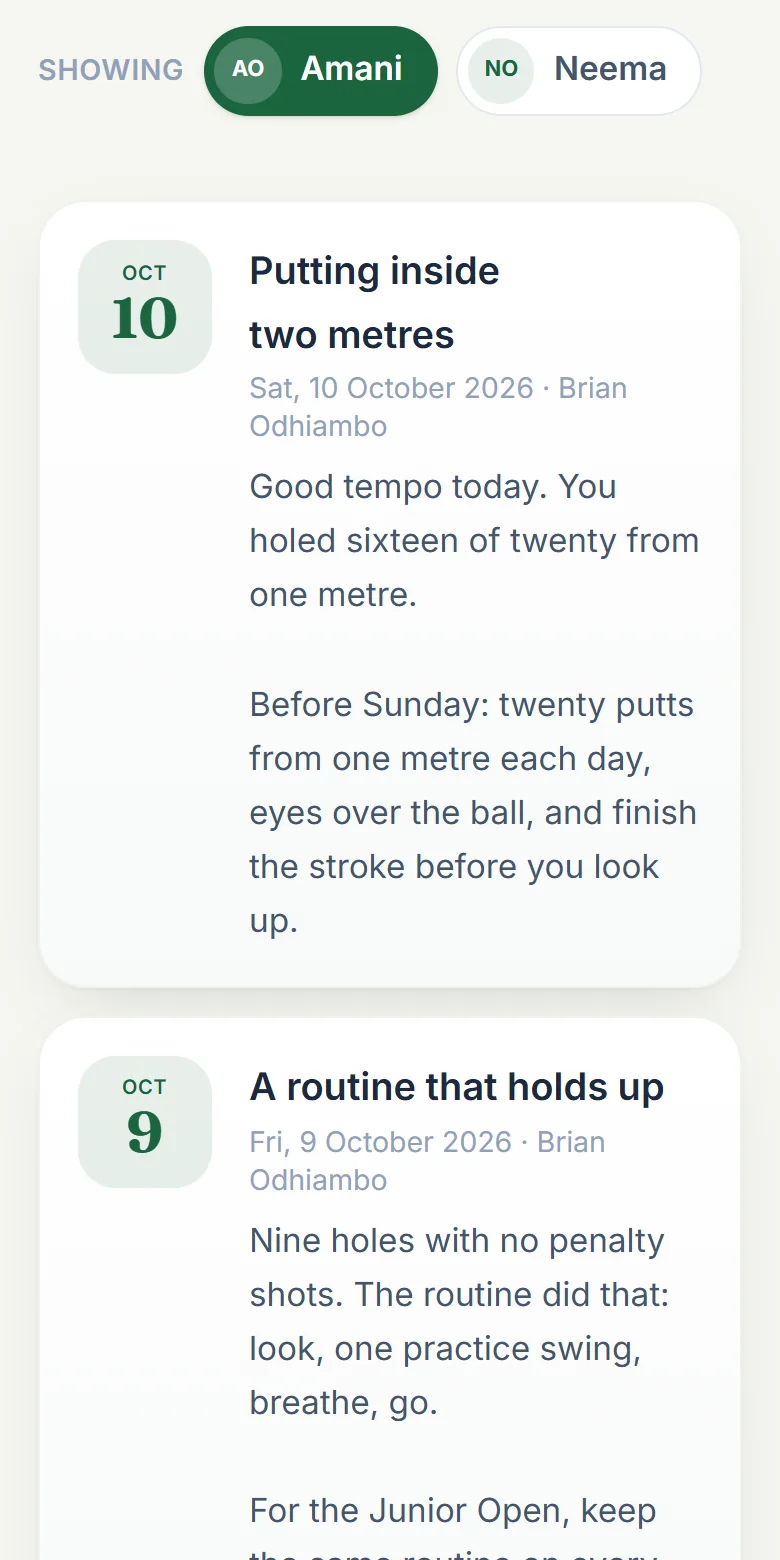
- 1Sign up free as a parentOr sign in with the login your child's school or academy sent you.
- 2Link your childConnect: type in your child's code, or give them yours.
- 3Choose the coachCoaches: invite one by email, or agree to one waiting for you, and choose what they may see.
- 4Follow alongAttendance, scores, swim times, the journal and coach notes, as they are written.
A
Junior Golf Academy
No coach sees a child's records until a parent agrees · HTTPS throughout · juniorgolfacademy.digitech.co.ke
Invented names. Real records are never shown in public.